Microsoft Fully Launches Hyperlapse Mobile For All
Microsoft has been introducing more and more apps to the Android operating system to help expand their reach to more consumers in addition to their set of other offerings. Back during May of this year Microsoft introduced a preview version of their upcoming Hyperlapse for mobile devices which allowed users to modify their video capture with some cool effects. Today Microsoft has finally launched a non-preview version of the Hyperlapse Mobile and it should be live in the Play Store for everyone to download if you’re looking for a fun new way to tweak your videos during the recording process.
If you’re not familiar with Hyperlapse Mobile, what it does is pretty basic in terms of explaining its functionality. It takes your videos and speeds them up to create a time lapse video at a faster pace. This can be a great way to show someone a long video when they may not have time to see everything within it but don’t want to miss any of the things you recorded. It’s a great little app for those who shoot a lot of video from their mobile device, and you can use the app to add the time lapse effect to videos you capture brand new, or to existing videos which are already saved in your gallery as you just import them into the app.
In addition to letting you speed up your normal captured videos, Microsoft has added in a function that lets you time lapse yourself, which is basically the time lapse from recorded videos from the the front facing camera, Microsoft calls this self lapse. There are also multiple speeds you can apply to the videos, so whether you want to speed things up a little bit or a lot you just select the speed you want and continue with the process. Microsoft has also made it easy to share these videos with a built-in share function to social media sites or video upload sites like YouTube, because why wouldn’t you want to share these awesome masterpieces with your family and friends? The app is compatible with Android 4.4 KitKat and up so it should be working for a wide range of people and devices.
Microsoft has restricted the Cortana virtual assistant to Windows device thus far, but an official Android release is right around the corner. You don't have to wait, though. The beta Cortana app has leaked, and it appears to be fully functional. Just grab the app from APK Mirror and give it a shot.
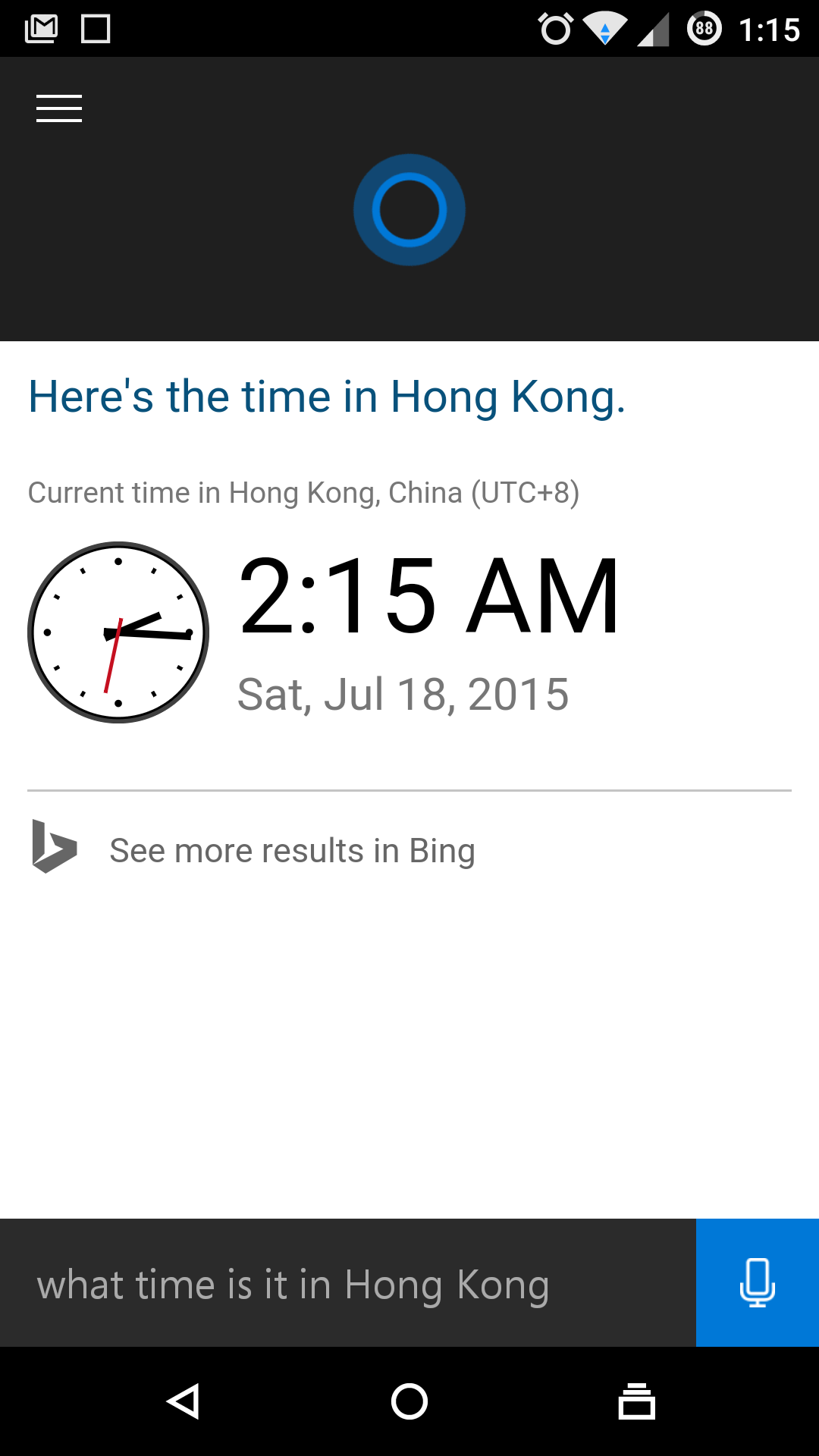
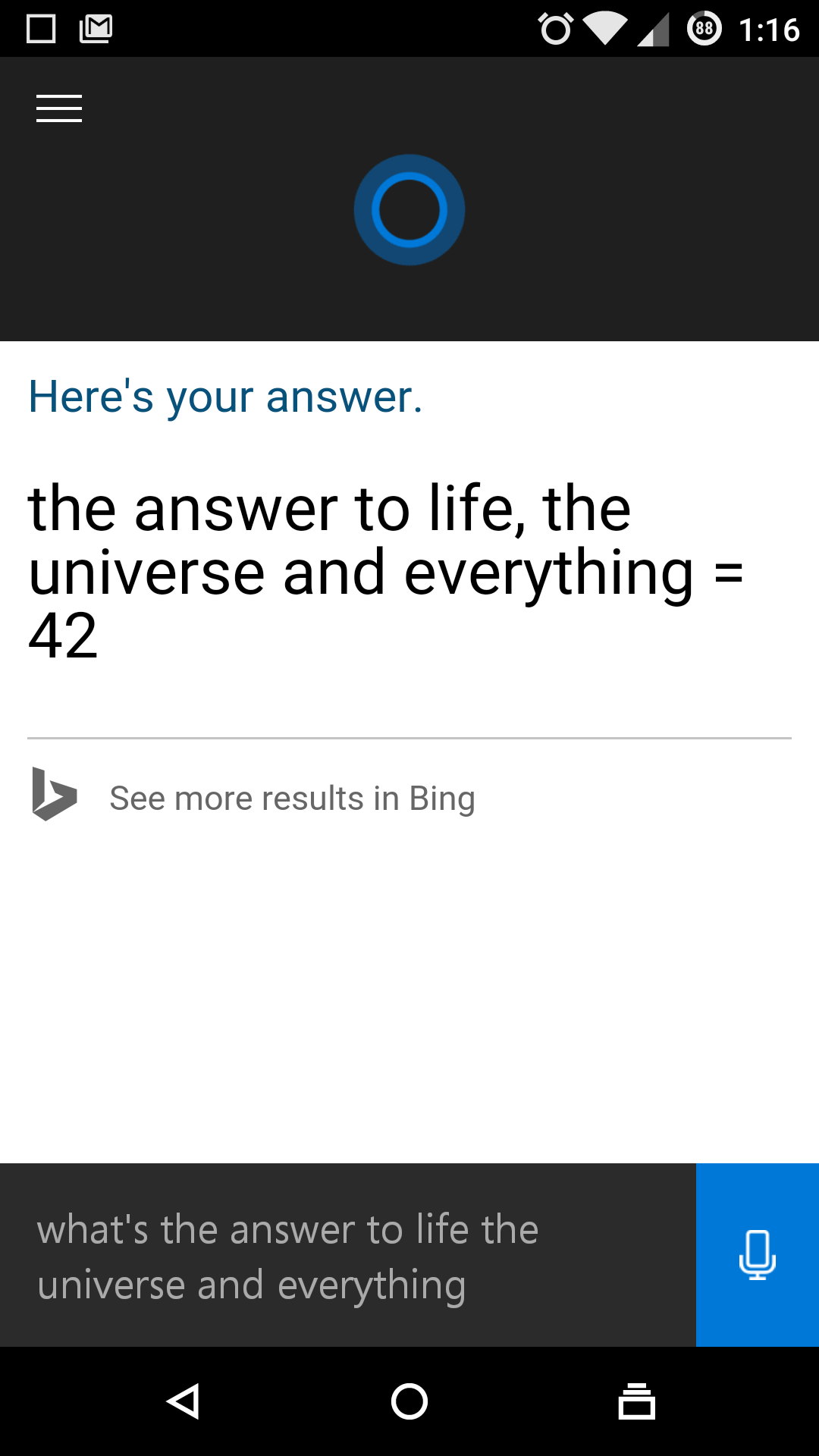
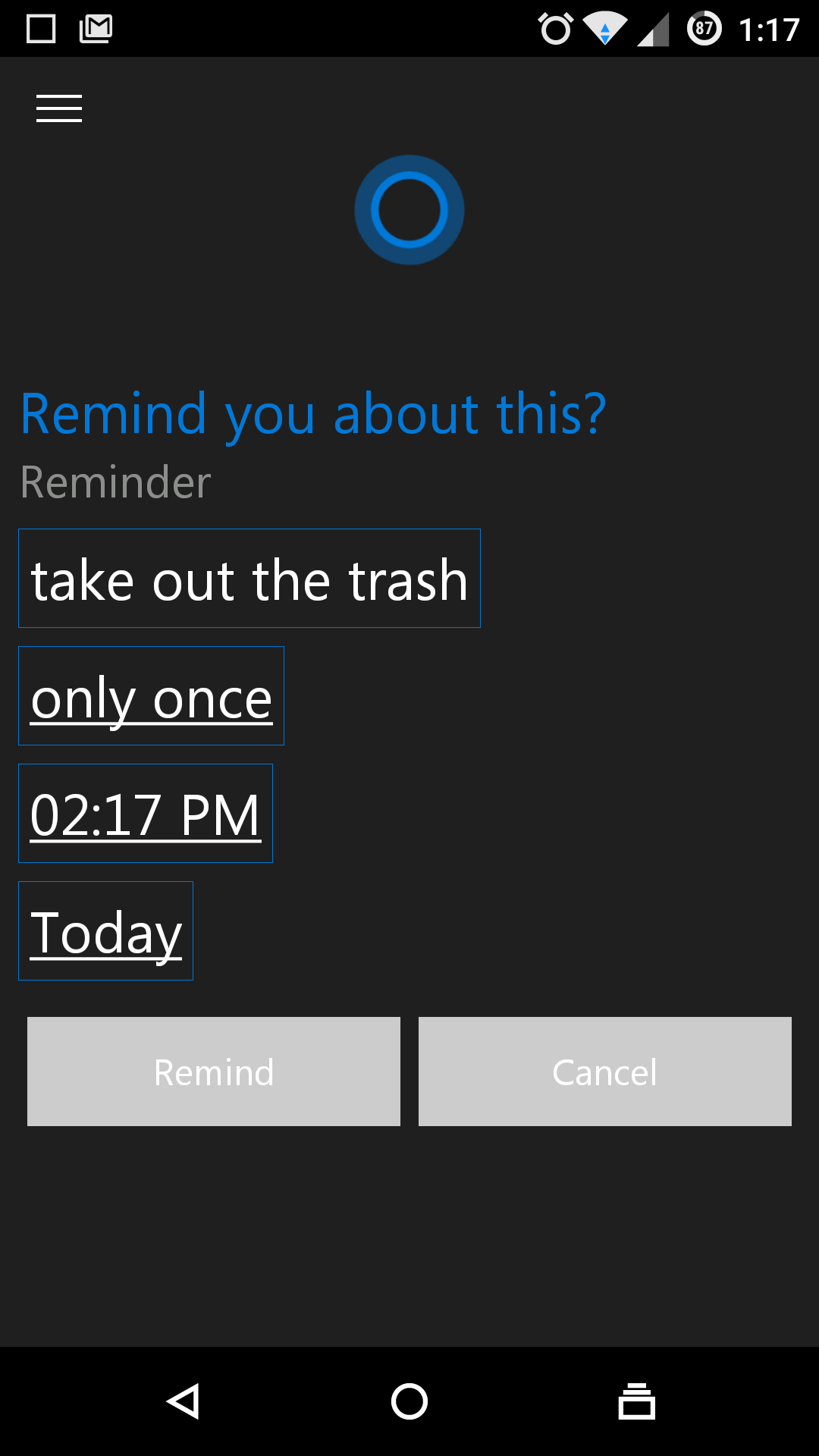
After installing Cortana, you'll have to run through a quick setup process that includes agreeing to the terms and telling Cortana your name. You can also sign into your Microsoft account, assuming you have one. The app has a few Google Now-ish features with weather, news, and local destination cards. The voice features are the real selling point, though. You can have Cortana do things like place calls, look up directions, and set calendar events just by talking. The app seems to recognize words with high accuracy and it's very snappy. Cortana is also quite good at chaining together multiple commands. For example, if you do a search for a restaurant, you can then ask it for a map or directions by saying things like, "show me a map of the second one." Where Cortana doesn't do as well is with general information searches. Google has all the knowledge graph stuff to fall back on, but a lot of Cortana's web searches require you to scroll around and tap on the blue links. It earns points for getting the Hitchhiker's Guide question right, though. This is still a beta app, and it's not even an official release. The version that Microsoft eventually puts in the Play Store might be a little different, but there's nothing obviously broken in this version. The link below will take you through a adfly link to the download page so please have patient , because it will help us.
Hey gamers! DirectX 11 is coming to Linux thanks to CodeWeavers and Wine.
The DirectX 11 support coming to CrossOver and Wine will let more Windows games 'just run' on Linux.
The chains are loosening. DirectX still binds many PC games to Windows. Now, CodeWeavers expects CrossOver to support DirectX 11 by the end of the year, with Wine gaining compatibility shortly afterwards.
In other words, more Windows PC games will “just run” on Linux, and it’ll be easier for developers to package those games with compatibility code and officially support them on Linux.
CodeWeavers is bringing DirectX 11 to Linux
Wine already supports DirectX 9 very well, but many new games no longer support DirectX 9 and rely on newer versions of Microsoft’s graphics technology. Wine is an open-source compatibility layer that allows Windows applications to run on top of Linux, Mac OS X, and other non-Windows operating systems.
CodeWeavers offers a paid product, known as CrossOver, which is built on top of the open-source Wine code. It pays developers to add features, and those improvements inevitably end up back in the open-source Wine project. CrossOver also provides a convenient interface and more of a guarantee that certain applications will be officially supported and not break.
While the DirectX 11 support will make it into CodeWeavers’ product before it makes it to the open-source Wine project, the code will be open-source and submitted for inclusion into the Wine project. In other words, CodeWeavers helps fund and support the development of Wine.
During E3 2015, CodeWeavers’ James Ramey posted an update on the CodeWeavers blog:
“In the coming months, CodeWeavers will have support for DirectX 11; better controller support; and further improvements to overall GPU performance. While these incremental improvements for game support may seem small (at first), the cumulative improvements for game support will allow for many of these games to ‘just run’ when released.”
According to a post on Reddit, this code should be done by the end of 2015, and work has already been underway for seven months. The patches will of course be contributed to the open-source Wine project, too.
Why this matters
Microsoft’s DirectX graphics technology is only officially supported on Windows, Xbox, and other Microsoft platforms. The Wine project helps bridge this gap and already supports DirectX 9 very nicely.
Using CrossOver for Linux to play Skyrim.
The new underlying CrossOver technology will also allow developers to port DirectX 11 games to Linux more easily. Linux gamers tend to dislike this type of port and prefer a native game that doesn’t use any Windows compatibility layer, but hey, it’s still better than nothing.
In the past, John Carmack of id Software and now Oculus has even argued that “emulation of some sort is a proper technical direction for gaming on Linux.” The better that DirectX compatibility gets, the easier it will be to port Windows-first games to Linux. And, even if certain games aren’t officially supported, it’ll become easier to just run them without any modification. Big game engines are increasingly supporting Linux, but general Windows compatibility is still helpful.
Thankfully, it looks like it will be easier to convert DirectX 12 code to Vulkan, the successor to OpenGL.
It's time the Redmond tech giant steps up with the current technology, even though its a bit late bit still atleast its being done.
(Photo by Thinkstock, modified by Yahoo Tech)
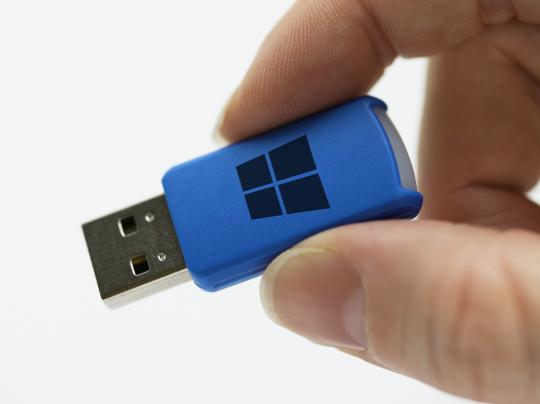
According to information allegedly obtained by German news site WinFuture, some retail versions of Windows 10 will be sold on preloaded USB flash drives.
A Microsoft spokesperson declined to confirm or deny the news, citing the company’s policy to not comment on rumors or speculation.
The much-anticipated multi-platform version of Microsoft’s flagship OS is built to operate not only on full PCs, but also tablets and ultrabook laptops, most of which don’t typically pack a CD or DVD drive. A USB thumb drive version would allow smaller, next-gen machines to also install Windows 10 Home or Professionial versions from scratch without a lengthy download.
The full-install version of Windows 10, set to be released on July 29, will start at $119.
Of course, since Microsoft has announced that Windows 10 will come as a free, downloadable update for current Windows 7 and Windows 8 customers, most PCers will never need to see a Windows 10 disc or flash drive.
But hey, by slowly eschewing plastic discs and finally giving us a version of Windows that’s better than Windows XP, Microsoft is already well on its way toward embracing 21st century technology. Way to go, Redmond!
P.S. Windows 10 will be available for free for technical preview users, so go try it out .